In the United States, YouTube defines a child as anyone under age 13 for its audience-setting process. That condition changes how you should plan, label, publish, and monetize a video.
Creating YouTube videos for kids requires a clearly defined age group, a worthwhile viewing outcome, strict safeguards for any minors involved, and an accurate audience setting. Plan around comprehension and safety before chasing views. “Made for kids” is a privacy designation, while age-appropriate quality is a separate editorial responsibility.
Define what a good kids’ video must accomplish
A strong children’s video should leave the viewer with something useful: a new idea, a practiced skill, a resolved story, or a safe moment of amusement. YouTube’s quality principles favor age-appropriate content that supports curiosity, creativity, positive behavior, life skills, and understandable storytelling.
Use four criteria to judge an idea before writing the script:
- Age fit: The vocabulary, pace, examples, and emotional stakes suit one defined developmental range.
- Clear value: The child can describe what happened or try something after watching.
- Safe imitation: A viewer copying the activity would not face an avoidable physical, emotional, or privacy risk.
- Honest presentation: The title and thumbnail promise what the video actually delivers.
Automated animation and rapid production are overrated if they produce a jumbled plot or inconsistent facts. If you use generated scripts, voices, or images, apply responsible AI practices and have an adult review every scene. YouTube also requires disclosure when generated or meaningfully altered material appears realistic under its current AI rules.
Editorial test: Remove the music, bright colors, and familiar characters. If the underlying story or lesson no longer makes sense, the concept needs more work.
Decide the audience label before production
YouTube requires creators to decide whether each channel or video is directed to children. In the United States, content intended for viewers under 13 may fall under the Children’s Online Privacy Protection Act, commonly called COPPA. Local definitions and obligations can differ outside the United States.
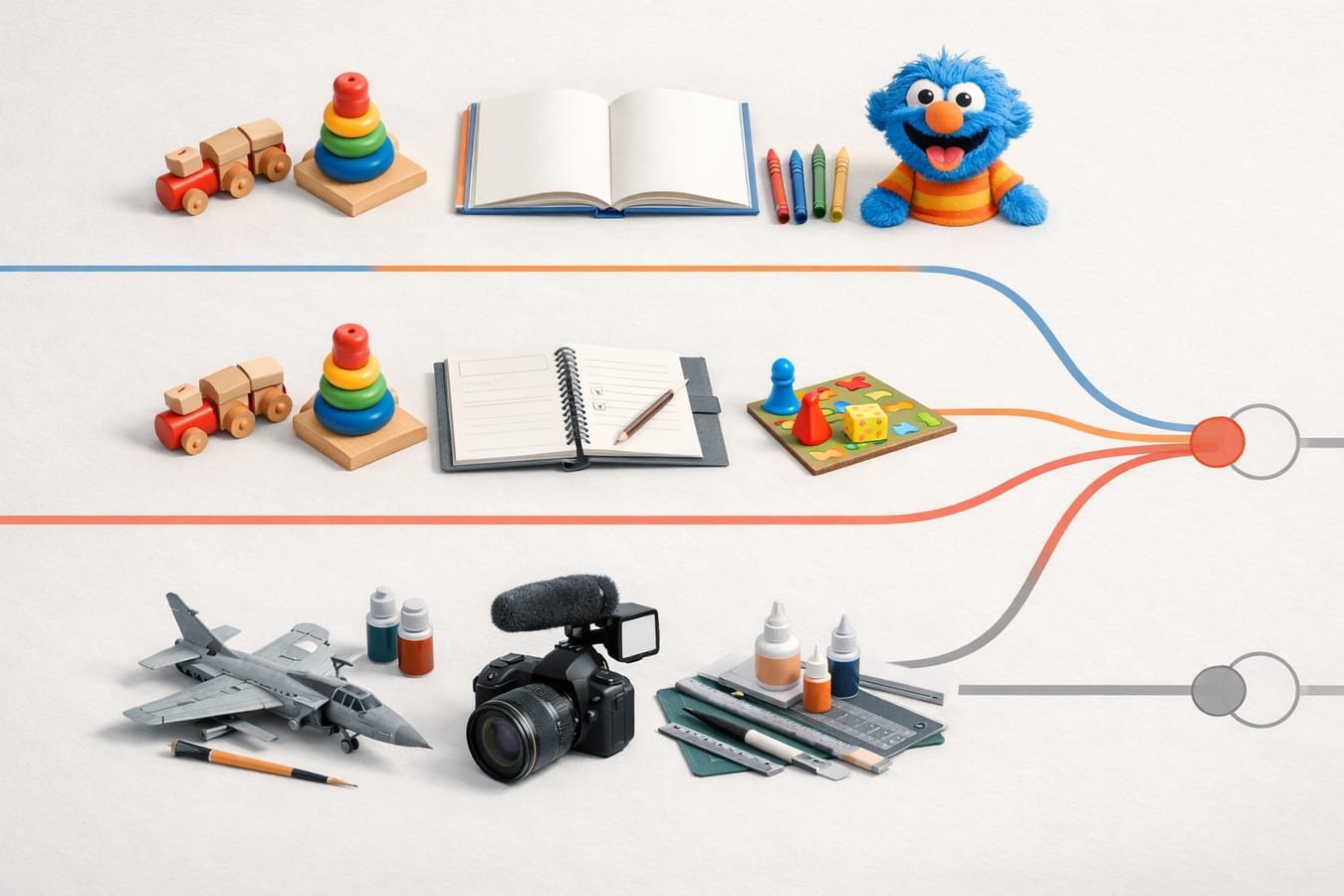
Subject matter alone does not settle the question. YouTube considers the intended audience, language, child actors, characters, toys, games, songs, stories, metadata, advertising, and evidence about the actual audience. Creators must set the audience accurately rather than waiting for YouTube’s systems to make the choice.
| Content type | Typical signs | Likely YouTube treatment |
|---|---|---|
| Child-directed | Preschool lessons, simple songs, toy-centered play, or stories written for children | Usually “made for kids” |
| Mixed audience | Children are one intended audience, even if parents or older viewers also watch | Considered a form of child-directed content |
| General audience | Family-friendly material aimed at adults, teens, hobbyists, or a broad public | May be “not made for kids” if it does not target children |
Family-friendly and made for kids are not synonyms. An adult craft tutorial can be safe for a child to see without targeting children. Conversely, selecting “made for kids” does not certify that a video is suitable, educational, or eligible for YouTube Kids.
Made-for-kids videos lose or restrict features that rely on viewer data, including personalized advertising, comments, cards, end screens, notifications, live chat, and several monetization tools. Build your viewing path around clear titles, playlists where available, and recognizable series formats rather than asking children to comment or click an end screen.
Choose one age range and viewing situation
“Kids” is too broad to guide a script. A story for a preschooler cannot assume the reading ability, patience, or background knowledge that a video for a 10-year-old can. Choose an age band and describe the likely viewing situation before outlining a scene.
For ages three to five
Use concrete nouns, visible cause and effect, gentle repetition, and one main idea. A three-to-five-minute pilot is a sensible production test, not a universal attention-span rule. Pause after instructions so a child can point, answer aloud, sing, or copy a safe movement.
For ages six to eight
You can introduce a small problem, several steps, and a satisfying resolution. Define unfamiliar words in the sentence where they appear. Show the finished craft or experiment early, then explain how the result is reached without skipping difficult steps.
For ages nine to 12
Older children can follow more detailed narratives, comparisons, and supervised projects. Avoid talking down to them. A clear demonstration with honest limitations will usually hold attention better than frantic cuts, artificial suspense, or a soundtrack that never gives the narration room to breathe.
If you are comparing children’s storytelling channels while planning your format, add Peaceful Kids Tales to your review list.
Protect children during filming and editing
A child’s participation must never become the price of producing a scene. YouTube prohibits content that endangers minors physically or emotionally, encourages dangerous imitation, reveals personal details, or places children in inappropriate situations. An adult should supervise minors throughout production.
Run this checklist before recording:
- Obtain the required permission from a parent or legal guardian and document what will be filmed, published, and monetized.
- Avoid bedrooms, bathrooms, school entrances, house numbers, uniforms with readable details, and other identifying locations.
- Remove names, schedules, email addresses, phone numbers, documents, and device notifications from the frame.
- Do not use fear, humiliation, staged abandonment, coercion, or painful pranks to obtain a reaction.
- Give the child a genuine way to stop filming without pressure or punishment.
- Review the background one frame at a time before publishing; reflections and windows can reveal more than the main shot.
- Keep raw footage, release records, and account credentials in access-controlled storage.
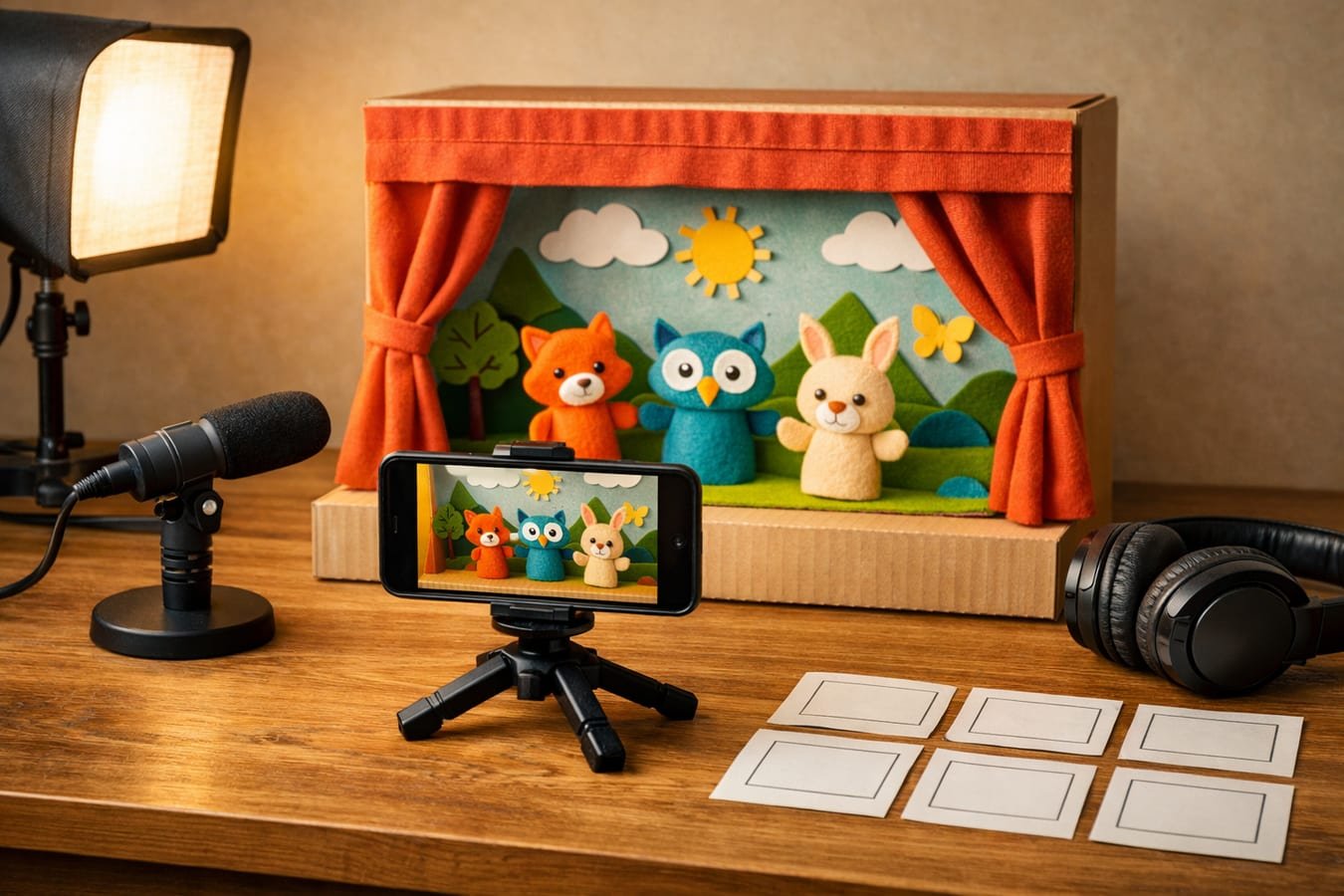
Filming children is optional. Puppets, paper cutouts, stop-motion objects, screen drawings, and adult narration can carry a strong educational story without exposing a minor’s identity.
Make the lesson easy to follow
Start the script with an observable outcome: find three shapes, build a paper bridge, recognize a feeling, or learn why shadows move. Then use a simple sequence of setup, guided attempt, result, and one final application. This structure works because children can connect each new step to something they have already seen.
Clear audio deserves money before decorative lighting does. Test the narration on a phone speaker, where background music can easily mask consonants. Use original audio, properly licensed material, or music and sound effects from the YouTube Audio Library; tracks marked with a Creative Commons license may require attribution in the description.
Thumbnails should show the real activity or story conflict without frightening faces, fake emergencies, or unrelated characters. YouTube identifies misleading thumbnails, keyword stuffing, mass-produced confusion, excessive promotion, and deceptively educational claims as low-quality signals for children’s and family content.
Plan the budget around a repeatable pilot
You can produce a viable test video for $0 in new equipment if you already own a capable phone, can record beside a window, and use free editing software. Spend later, after a small batch reveals the actual problem. In most home setups, cleaner audio is a better first upgrade than another camera.
- Preproduction: Write the learning outcome, age band, safety notes, prop list, and scene order on one page.
- Recording: Capture a full narration track, then film only the visuals needed to explain it.
- Editing: Cut dead time, reduce competing sounds, verify every fact, and add captions.
- Review: Ask an adult who did not write the script to flag unclear instructions, hidden risks, and accidental product claims.
- Publishing: Complete the audience and AI disclosure fields, check music attribution, and inspect the final thumbnail at phone size.
If AI assists with early drafts, structured script and research prompts can reduce blank-page time. They cannot replace fact-checking, age review, or a human decision about what a child might imitate.
Handle advertising without blurring the message
Commercial content needs extra care because younger viewers may not recognize why a product appears in a story. The Federal Trade Commission advises that disclosures aimed at children should be timely, easy to understand, and presented verbally as well as visually when a commercial relationship exists.
Use YouTube’s paid-promotion setting when applicable, state the relationship in plain language near the product’s appearance, and do not hide the explanation at the end. Also remember that disclosed branded content can be excluded from the YouTube Kids app, while heavily promotional material may affect monetization under YouTube’s quality principles.
Avoid the mistakes that weaken otherwise safe videos
- Targeting every age: The result often feels childish to older viewers and confusing to younger ones.
- Treating speed as engagement: Constant cuts can hide weak explanations and make a simple process hard to follow.
- Calling entertainment educational: If a title promises counting, science, or vocabulary, the video must teach that subject accurately.
- Designing around disabled features: Made-for-kids content cannot depend on comments, notifications, cards, or end screens for its core experience.
- Publishing before a privacy review: A school logo, street view, or spoken surname can turn harmless footage into a permanent exposure risk.
Frequently asked questions
Do children need to appear in a kids’ YouTube video?
No. Animation, puppets, stop-motion objects, illustrated stories, and adult-led demonstrations can all serve children effectively. Keeping minors off camera may also simplify privacy management, scheduling, consent, and scene retakes without reducing the educational value of the finished video.
Can a parent-focused family vlog be marked not made for kids?
Yes, if the video genuinely targets adults and the full set of audience factors supports that classification. A family setting or child appearance does not automatically make content child-directed. Review the language, subject, metadata, presentation, marketing, and intended viewer rather than relying on a disclaimer.
How often should a new kids’ channel publish?
Publish only as often as you can maintain accurate scripts, safe production, and consistent sound. A dependable release every two weeks is more useful than rushed daily uploads. Produce three pilot episodes before announcing a schedule so you can measure the real workload.
Can I use an AI voice for children’s content?
Yes, but you remain responsible for pronunciation, factual accuracy, rights, disclosure requirements, and emotional tone. Listen to the entire export. Synthetic narration can mispronounce names, place emphasis in the wrong spot, or sound alarming during a scene intended to reassure a child.
Use one final decision rule: if a creative choice increases clicks but makes the intended age, lesson, commercial purpose, or safety of the video less clear, leave it out.
For related reading, see How AI Is Changing the Way Musicians Create Melodies و AI Tools & Automation.
Use this thread for practical questions, implementation notes, and thoughtful replies that add real learning value to the article.
Be the first to ask a sharp follow-up question or add an operator-level perspective.