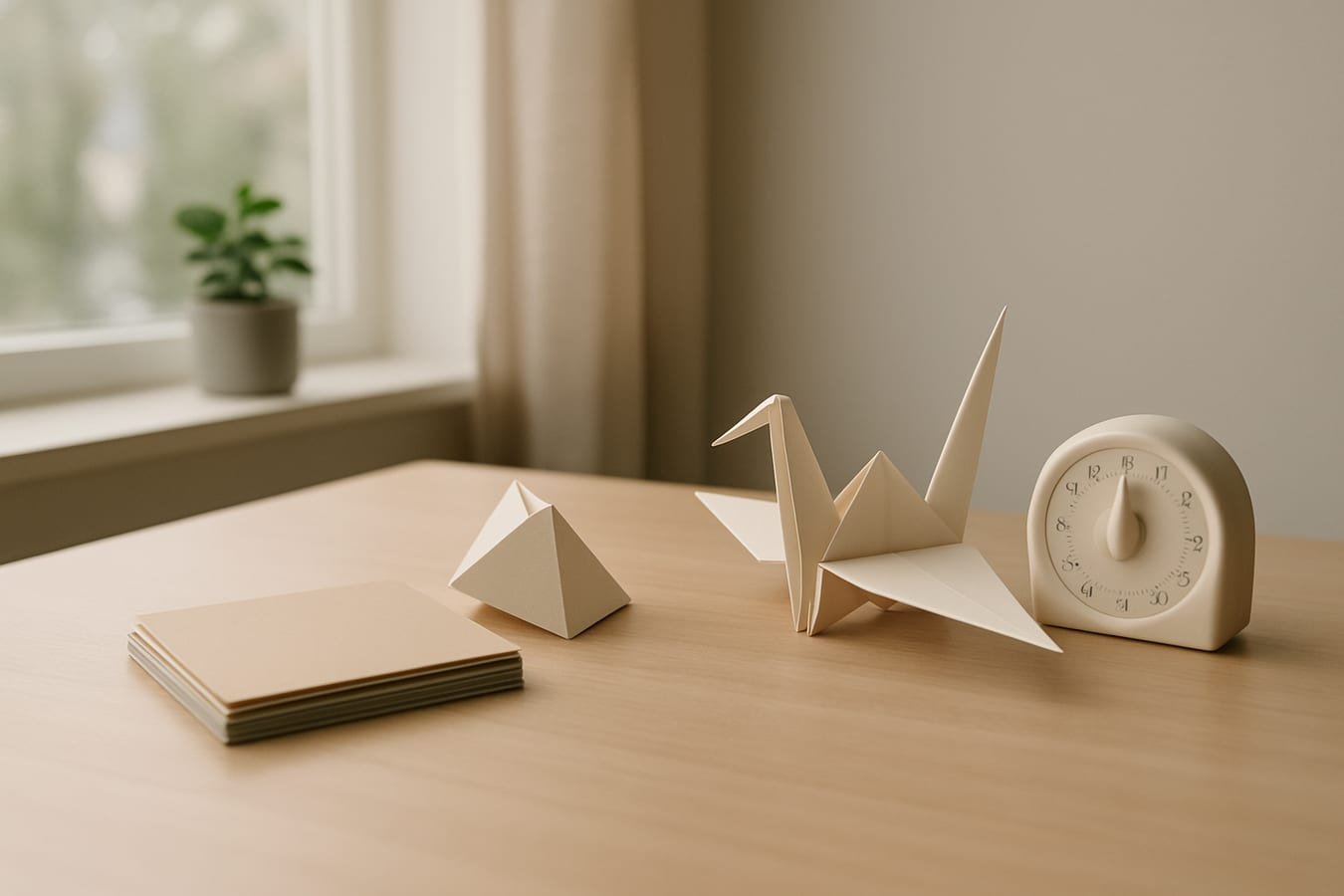
Short answer: An origami break turns a few quiet minutes into a tactile, stepwise task that rests screen-fatigued attention while giving you a tiny creative win. The hands-on sequence, clear end point, and visible result refresh focus without derailing your day. It’s a compact, purposeful origami break.
How an origami break works (and why it feels different)
Here’s the core: folding paper shifts you from abstract, verbal work to a brief spatial sequence. That change of modality—eyes off the screen, hands engaged—reduces cognitive residue and resets your pace. Multiple lab and field studies show that micro-breaks can lift performance, especially when the next task asks for idea generation rather than raw output.
Origami adds three features general breaks lack:
- Bounded challenge: a few folds, then done. No open loop dragging your attention back.
- Visible progress: each crease signals movement, which is unusually motivating in mid-afternoon slumps.
- Sensory contrast: paper texture and small motor movements calm the pace set by tabs, alerts, and keyboards.
If you’re thinking about how this complements digital work at large, see What Artificial Intelligence Actually Means for Modern Work for the bigger picture on how we spend attention.
Pick a 2-, 5-, or 10-minute fold
Match the fold to the time you truly have. The goal is a reset, not a masterpiece. Use these time bands as guides; stop when the timer ends even if you’re mid-model.
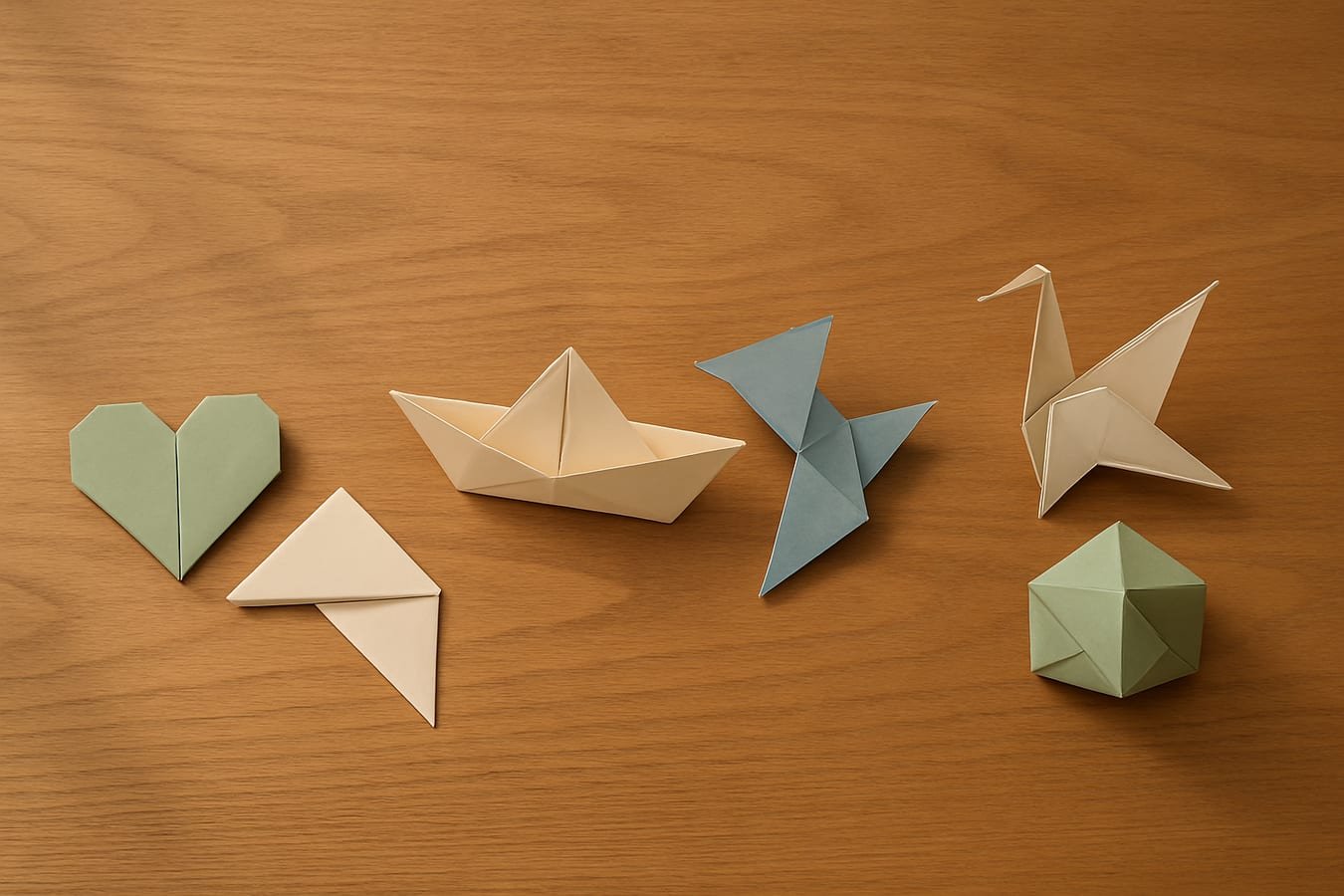
About 2–3 minutes
- Corner bookmark (one square; forgiving folds; ideal at a standing desk).
- Simple heart (crisp angles; low risk of “one more step” creep).
About 4–6 minutes
- Paper boat (fast, satisfying silhouette; works with standard letter paper trimmed to a square).
- Flapping bird (a short sequence that still feels like a trick).
About 8–12 minutes
- Traditional crane (a classic with a rhythmic flow; stop on time even if the head isn’t shaped).
- One Sonobe unit (modular piece; stash finished units to assemble later).
Origami, scrolling, or a short walk: which break serves you now?
Each option shines in a different condition. Use this quick rule of thumb first, then adjust:
- Choose origami when you’ve been staring at a screen for 40–60 minutes and need a visual–motor reset with a small win to carry back to work.
- Choose a short walk when your body feels compressed from sitting; pace a hallway or outside for 3–10 minutes to add movement and fresh cues.
- Avoid phone scrolling when you’re mentally saturated; algorithmic novelty tends to fragment attention and extends breaks past their intent.
If you design your day in sprints, you can tuck these into a repeating cadence. Our guide to AI workflow design for solo operators and small teams shows how to protect blocks of focus time so these resets actually happen.
Common mistakes and the better fixes
Most break plans fail in small ways: wrong paper, too-hard models, or a timer you ignore. Use the table to sidestep the usual traps.
| Mistake | Why it matters | Better approach |
|---|---|---|
| Picking a complex model “for the challenge” | Overshoots a 5–10 minute window and turns the break into another task. | Pre-select a 2-minute and a 5-minute model; stop on time even if unfinished. |
| Using glossy, heavy paper | Slips and resists crisp creases, which feels fiddly and slow. | Stock 70–90 gsm paper, pre-cut to 15 cm squares for predictable folds. |
| Folding at a cluttered desk | Visual noise competes for attention and invites multitasking. | Clear an A4-sized patch; place one sheet and a timer—nothing else. |
| Letting the phone define the break | Notifications and “just one more swipe” extend the pause past useful length. | Airplane mode until the timer rings; music is fine if it stays instrumental. |
| Rushing the first crease | Misaligned bases compound into later frustration. | Align edges deliberately; run a thumbnail once along each baseline fold. |
A two-minute setup that protects the reset
Gather a small kit and you’ll remove 90% of the friction that derails intentional breaks.
Mini kit checklist
- Ten to fifteen 15 cm squares in muted colors (70–90 gsm).
- Simple timer set for 2, 5, or 10 minutes.
- A short list of go-to folds taped inside a drawer.
- A shallow tray to hold in-progress pieces so the desk stays clear.
One small, helpful bookmark: a basic overview of origami keeps decision time low when you start the break.
Plan your origami break by task and timing
Use these cues to choose well:
- Before drafting or ideation: pick a 4–6 minute model (boat or flapping bird) to prime flexible thinking.
- Between edits or code reviews: use a 2–3 minute corner bookmark to reset without losing the thread.
- After a long meeting: allow 8–10 minutes for a crane or Sonobe unit to fully settle your pace.
If you already write prompts to steer your tools, you can script your own reset cue. See our guide to prompt writing for real-world AI and adapt the same clarity—who you are, what you want, when to stop—to your break routine.
What an origami break costs (and saves)
The direct cost is trivial: copy paper or a small pack of squares. The savings show up in steadier attention and fewer context-switch penalties. Because it’s quiet, clean, and portable, an origami kit works in shared offices, libraries, or home setups without adding noise or setup time.
FAQ
Is origami a good micro-break if I work at a computer all day?
Yes. The tactile, spatial sequence contrasts with screen work and gives your attention a different job. That typically feels calming and helps you re-enter the next task with fewer mental leftovers from the previous one.
What paper size works best for a quick fold?
Start with 15 cm (about 6-inch) squares in 70–90 gsm weight. They crease cleanly, hold shape, and keep small models manageable on a crowded desk.
How often should I take these breaks?
Most people do well with a 3–10 minute micro-break every 30–60 minutes of focused work. The key is to stop on time so the reset remains restorative rather than becoming procrastination.
Will folding interrupt my flow?
Not if you keep it bounded. Choose a model that fits the timer, mute notifications, and stop when it rings. The clear end point is what makes folding a reliable reset instead of a detour.
The mistake that still spoils a good break
Turning the fold into a mini project. The fix: set a timer, choose the simplest model that fits it, and stop even if the crane’s head is still rough. Protect the reset, not the result.
For related reading, see How AI Can Turn QR Menus Into Smarter Ordering, Better Marketing, and Stronger Restaurant Operations.
Use this thread for practical questions, implementation notes, and thoughtful replies that add real learning value to the article.
Be the first to ask a sharp follow-up question or add an operator-level perspective.